Sharing Sketched Photos of Other People: Privacy and Consent
Why a sketch effect doesn't remove privacy concerns, and how to ask permission and share respectfully.
Turning a photo into a sketch makes it look artistic, but the person in it is still recognisable. The same courtesies apply as with any photo.
Sketch or not, it's still them
A sketch effect may soften details, but a face can still be identified. Treat these pictures as you would the original.
Ask first
Before posting a picture of someone else:
- Ask permission, especially for public posts.
- Show them the result, if you can. Some people dislike how they look in effects.
- Respect a refusal. Don't post, or remove it if asked.
Extra care with children
- Ask their parents before sharing.
- Avoid details such as school names, uniforms and locations.
- Consider their future feelings. A picture that seems cute now may embarrass them later.
- Use private sharing among family.
Photos taken in public
Laws vary, but good manners suggest:
- Avoid publishing close pictures of strangers without permission.
- Be careful with vulnerable people.
- Don't photograph people in private moments.
Consider the context
| Situation | Suggestion |
|---|---|
| Family picture for a card | ask family members involved |
| Friend's portrait as a gift | ask if they'd like it, and where it will be seen |
| Public social post | get explicit permission |
| Memorial tribute | ask relatives |
Be honest
If you post a sketch-effect picture of someone, don't imply they drew it or posed for it as art. Simple captions like "sketch effect on a photo of..." are clear.
Location and metadata
Photos can carry location data. Before sharing, consider whether the picture reveals where someone lives or spends time, and remove location details if necessary.
Private sharing
For personal gifts and family, private messages and shared albums keep pictures within a circle you trust.
If someone asks you to remove a picture
Do it promptly and politely, without argument.
Tip
Ask yourself: "Would this person be happy to see this picture shared this way?" If not sure, ask them.
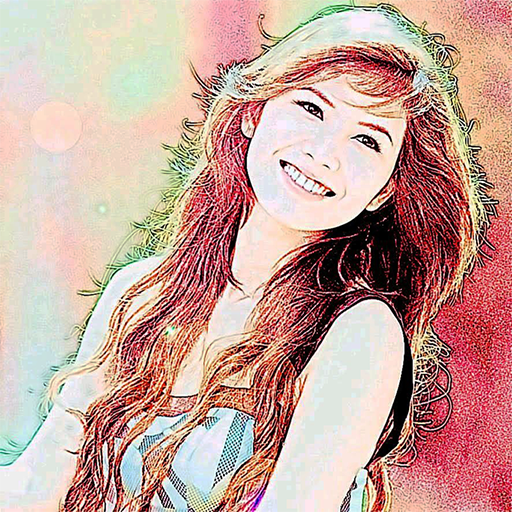
Color Photo Sketch
Turn your photos into sketch and art-style effects in one tap
More about Color Photo Sketch
Avoiding Over-Processing: Why Less Can Look More Like Art
How to recognise when an effect or edit has gone too far, and how to keep results natural and pleasing.
Read article →Comparing Effects: How to Choose the Best Result for a Photo
A simple method for trying several sketch effects on one picture and judging which one works best.
Read article →Cropping Before You Sketch: Portrait, Landscape and Square Choices
How the shape of your crop affects a sketch effect, with tips on framing faces, scenes and objects before applying it.
Read article →Keeping Originals and Sketch Versions Together: A Simple Filing System
How to name and store original photos and their sketch-style versions so nothing gets overwritten or lost.
Read article →