Word Search Strategies for Beginners: A Step-by-Step Approach
A simple, step-by-step method for beginners to find words faster and enjoy word search puzzles more, from scanning to checking off words.
Word search puzzles look simple, but having a method makes them more enjoyable and less frustrating. Here's a beginner-friendly approach.
Step 1: Read the word list
Before searching, read through the list. Notice:
- Long words (often easier to spot)
- Words with unusual letters like Q, Z, X or J
- Words with double letters like "BALLOON" or "COFFEE"
Step 2: Start with the easy ones
Find a few easy words first. Early success builds momentum and reduces the grid to fewer letters to think about.
Step 3: Look for the first letter
Pick a word and scan for its first letter. When you find it, look at the letters around it in all eight directions for the second letter.
Step 4: Use rare letters
If a word contains a rare letter, search for that letter instead. There are usually far fewer Qs or Zs in a grid than Es or As.
Step 5: Scan systematically
Move through the grid row by row, left to right. Then try columns top to bottom. Random scanning makes it easy to miss things.
Step 6: Remember all directions
Words can go:
- Left to right
- Right to left (backwards)
- Top to bottom
- Bottom to top
- Diagonally in four directions
Beginners often forget backwards and diagonal words.
Step 7: Mark found words
Highlight or circle words as you find them. This prevents you from searching for the same word twice and keeps the grid clear.
Step 8: Take a break if stuck
If you can't find the last few words, look away for a minute. Fresh eyes often spot words instantly.
Common beginner mistakes
- Searching randomly instead of systematically
- Forgetting backwards and diagonal directions
- Trying to find the hardest word first
- Rushing and getting frustrated
Enjoy the process
Word search is meant to be relaxing. There's no need to rush — finding each word is a small win.
Practise relaxing word search puzzles at your own pace with Crossword - Word Search Game →
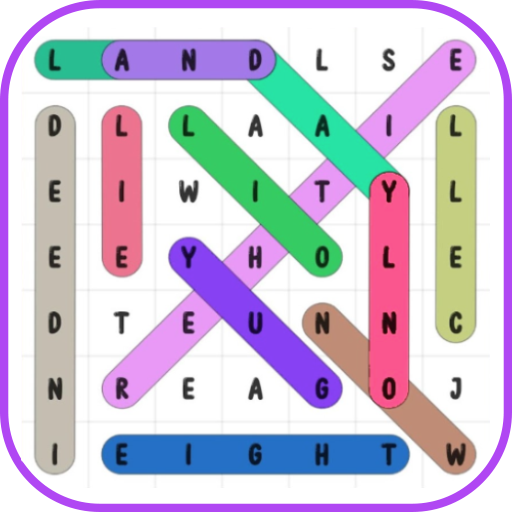
Crossword - Word Search Game
A relaxing, endless word search puzzle game
More about Crossword - Word Search Game
Advanced Word Search Techniques for Experienced Players
Level up your word search skills with advanced techniques: letter pairs, peripheral scanning, chunking and smart use of rare letters.
Read article →Big Grids vs Small Grids: Adjusting Your Approach
How to adapt your word search strategy for small, quick grids and large, dense grids — scanning, chunking and pacing tips.
Read article →Double Letters as Shortcuts: LL, EE, OO and SS
Why double letters are some of the easiest patterns to spot in a word search grid, which doubles are most common, and how to use them.
Read article →Finding Words in Dense, Repetitive Grids
Some word search grids repeat the same letters to make puzzles harder. Learn how to cut through the noise and find words anyway.
Read article →